Authentication
The Toolpath API uses bearer tokens. Pass your API key in the
Authorization header on every request:
Authorization: Bearer tp_live_xxxxxxxxxxxx
All API keys are prefixed tp_live_ and operate on your team's real data.
There is currently no separate sandbox environment or test-key tier.
Creating and revoking keys
Team admins manage keys from the API Keys tab in Toolpath team
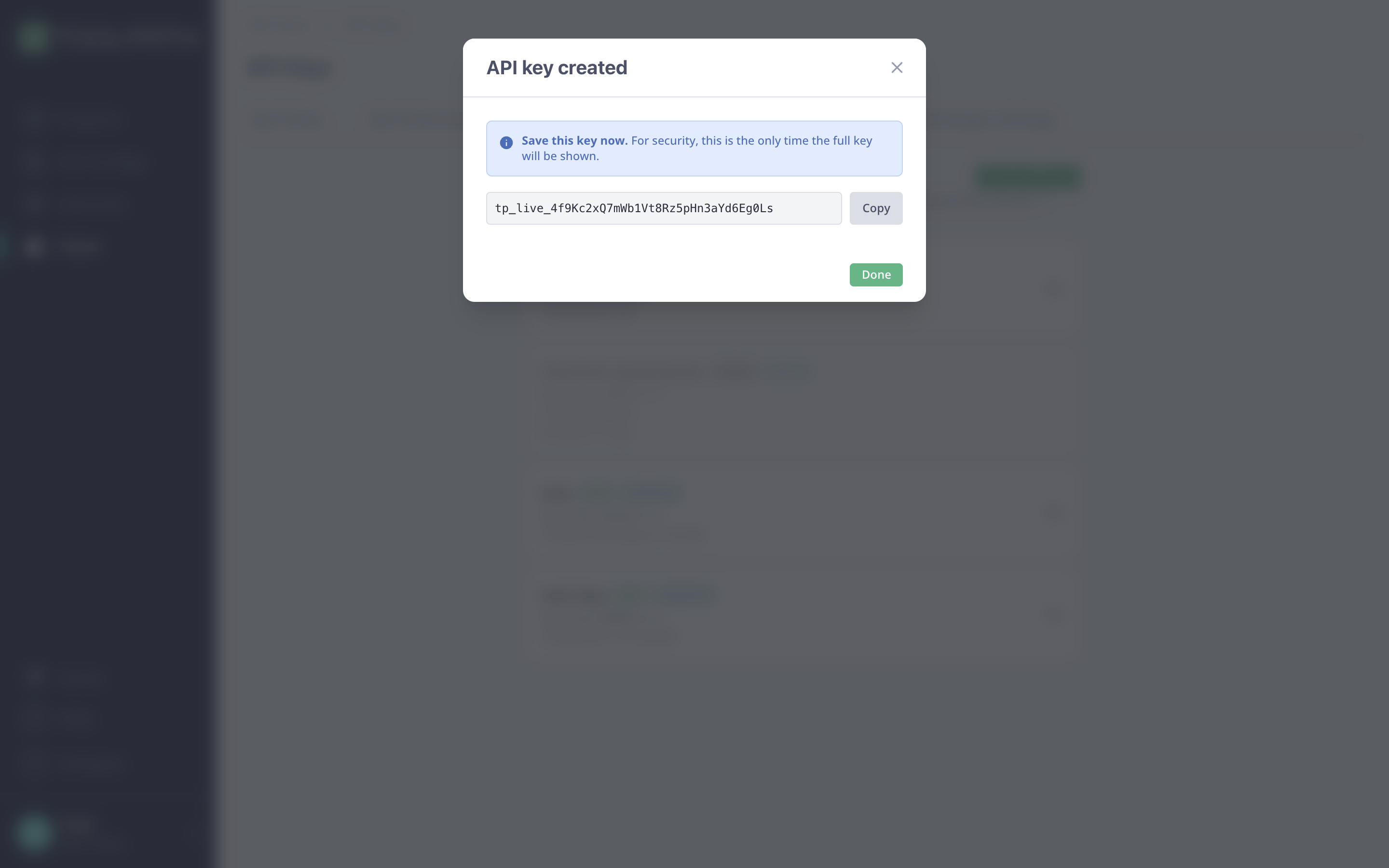
settings. The full key is shown once, at creation. Store it somewhere
safe; only the prefix is visible afterwards. Keys can be revoked from the same
tab, and a revoked or expired key fails with 401 on the next request.
Scopes
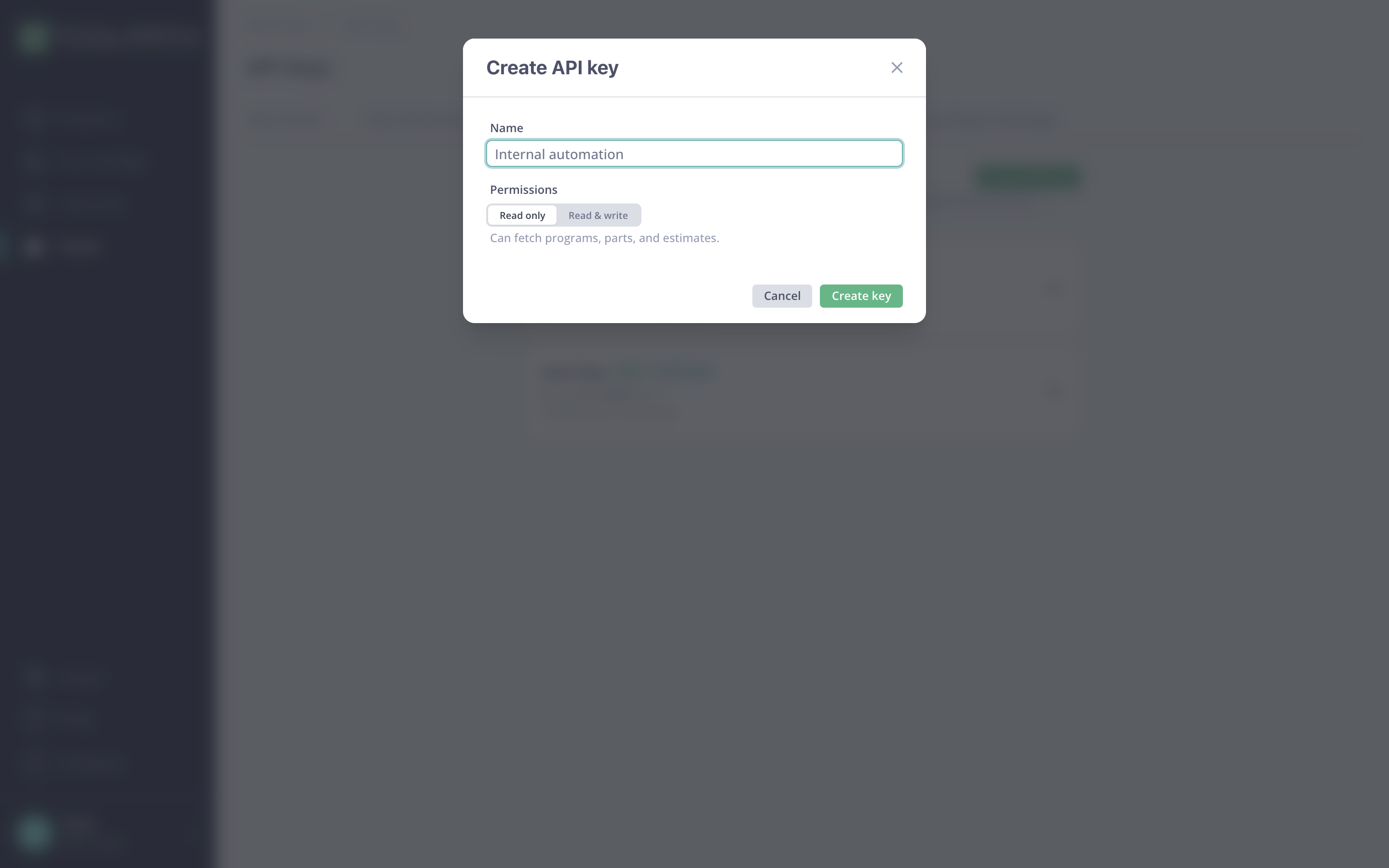
Every key has one of two scopes, chosen at creation:
| Scope | Allows |
|---|---|
read_only (default) | GET requests only |
read_write | All requests, including POST |
Calling a write endpoint with a read_only key returns 403 Forbidden with
error code forbidden.
Team scope
Keys are scoped to a single team. A request only ever sees resources owned
by that team. For example, requesting another team's program returns 404,
not 403, so the API does not leak the existence of resources you can't access.
Keeping keys safe
- Never commit keys to source control or embed them in client-side code.
- Send requests server-to-server only.
- Revoke a key immediately if it may have leaked, and create a replacement.
Failed authentication
A missing, malformed, revoked, or expired key returns 401 Unauthorized with
an error envelope.