Getting started
This guide walks through making your first authenticated request against the Toolpath API.
1. Get an API key
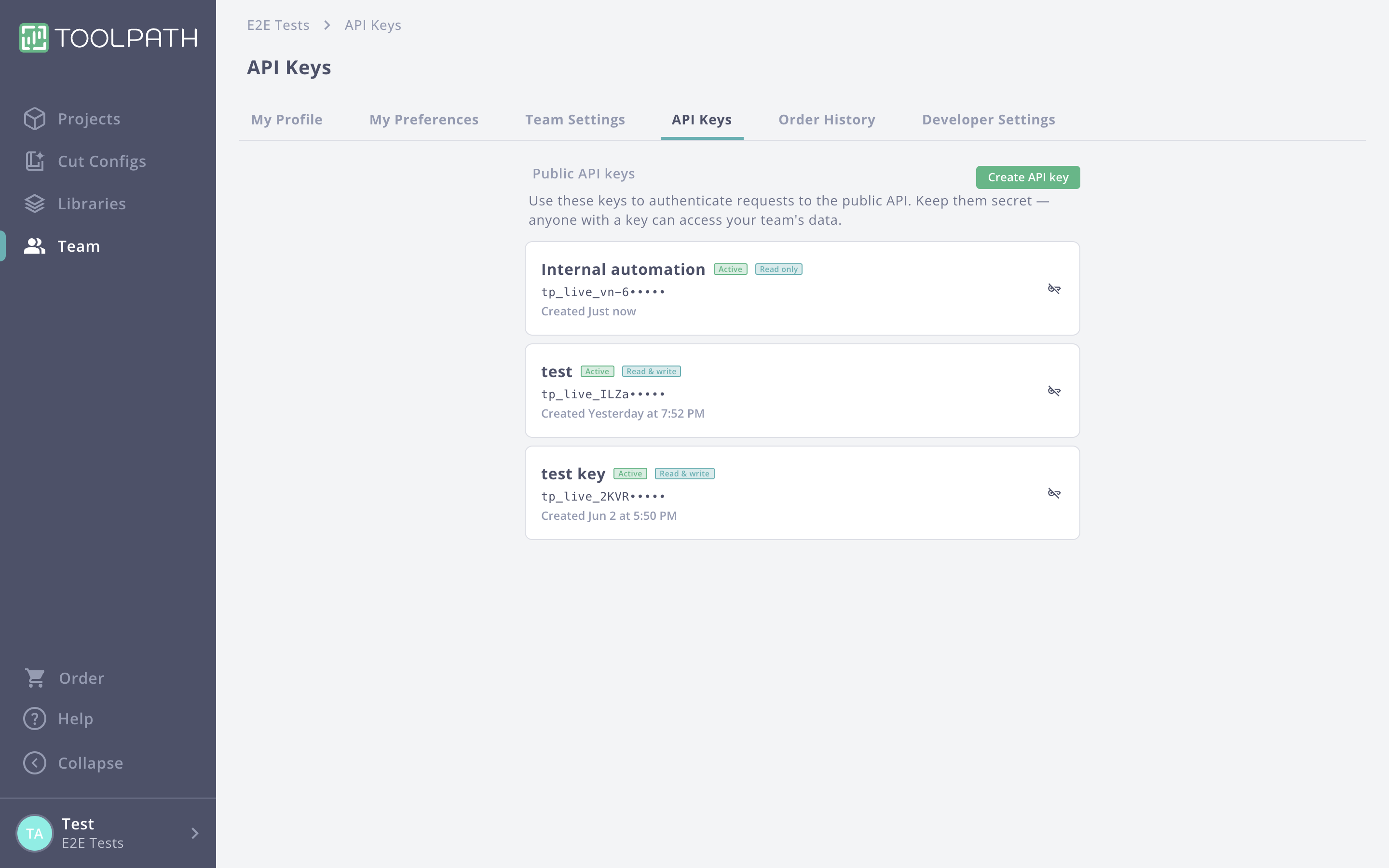
A team admin can create a key from the API Keys tab in Toolpath team
settings. Pick read_only or read_write scope when creating it; you need
read_write to upload parts or create programs. The full key (prefixed
tp_live_) is shown once at creation, so treat it like a password. See
Authentication for details.
2. Make a request
Every request goes to the base URL and carries your key as a bearer token:
curl https://app.toolpath.com/api/public/v0/parts/abcd1234 \
  -H "Authorization: Bearer tp_live_xxxxxxxxxxxx"
A successful response returns the part as JSON, wrapped in a top-level
data object. If the key is missing or invalid you get a 401 with an
error envelope.
3. Explore the reference
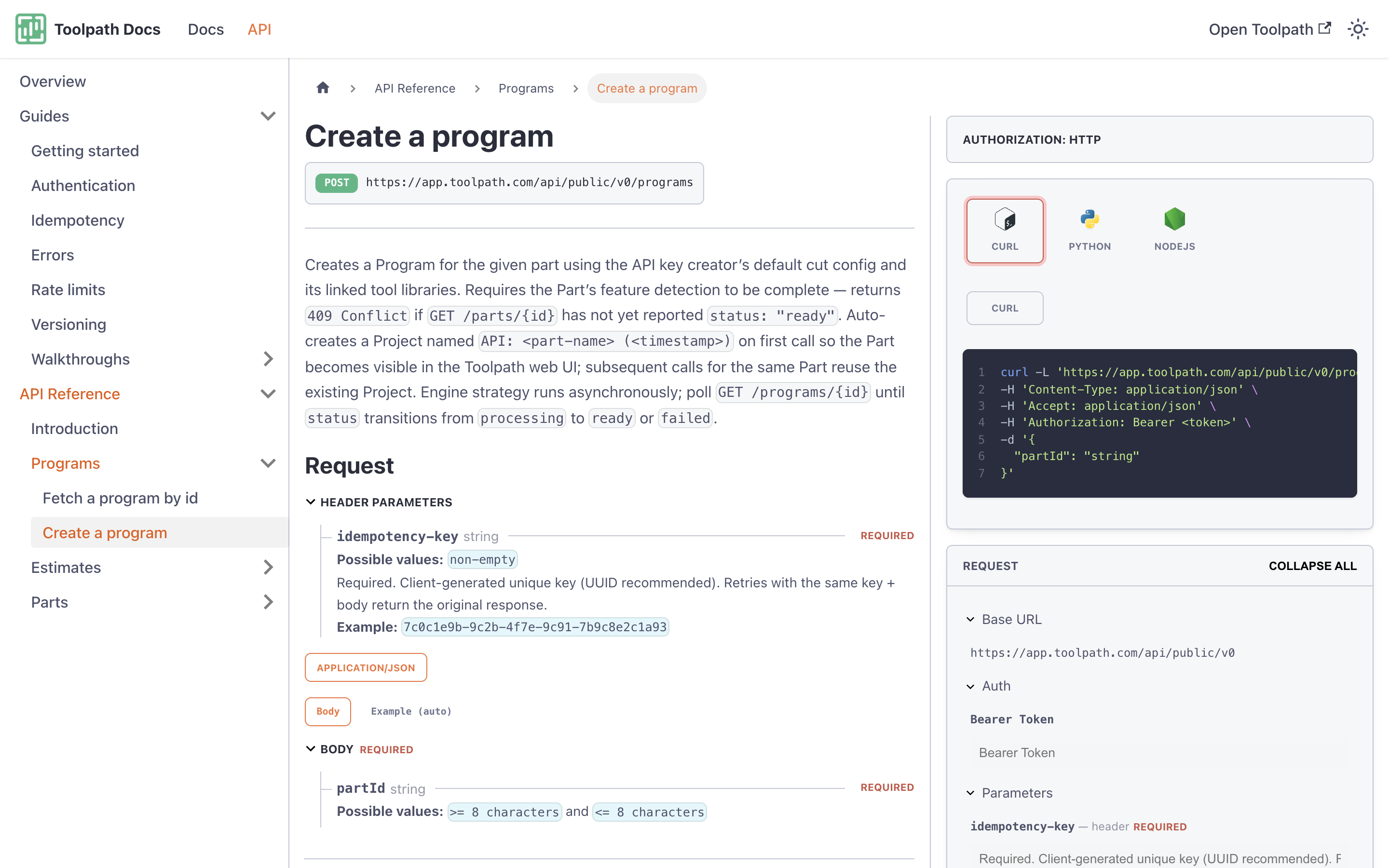
Open the API Reference in the sidebar to see every endpoint with its parameters, response schemas, and a built-in request builder you can use to try calls without leaving the docs.
Next steps
- Authentication: key types and rotation.
- Idempotency: read this before you make any write calls.
- Estimate a part: an end-to-end walkthrough.
- Machinability report: upload a part and read its machinability score.