January 23, 2026
How to Change Setup Direction and Order
Control setup direction and order when Toolpath chooses a different machining approach than you want.
By default, Toolpath selects the first setup as the orientation based on a combination of the following factors;
- possible material removal volume,
- Lowest overall aspect ratio (keeping heights low),
- Availability of a full profile at the given orientation.
In some cases, you may want to force a particular first setup orientation. This may be due to your fixtures, tooling, or personal preference for desired machining strategy.
To do so, please follow the instructions below:
- Go to the Setups page in the Toolpath part workspace.
- Hover over the Setup thumbnails. This will show a check mark and handle.
- Check or Uncheck setups to enable or disable them.
- Grab the handle the drag to reorder setups.
- Making a change will prompt you to regenerate the program.
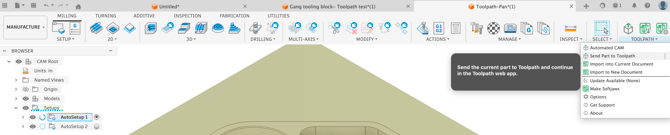
To control the orientation and order of all setups, create the setups in Fusion and use Keep Existing Setups with the Send to Toolpath option.